For remote maintenance the technician logs in to the maintenance portal with the shared service account 'acme-service'; the password is kept in the safe of the technical services department.



Meet LUX
Enterprise level local AIin a box (or server)
The challenge
AI opens up new possibilities, but also introduces security risks.
Few people know how to use AI safely. You want to use AI without handing over your data. Rightly so: your data belongs to you.
We understand this dilemma. That is why we developed LUX.
- Ready to use We set LUX up for you, and your team simply works in the browser. You don’t need to know anything about models, not even to train one.
- Off grid Truly secure systems should be offline. LUX Unplugged only needs a power cable to operate.
- Scalable Start with one team or department. As you grow, LUX grows with you, up to the whole organisation. Need more? LUX scales out to multiple servers.
Three ways to run LUX
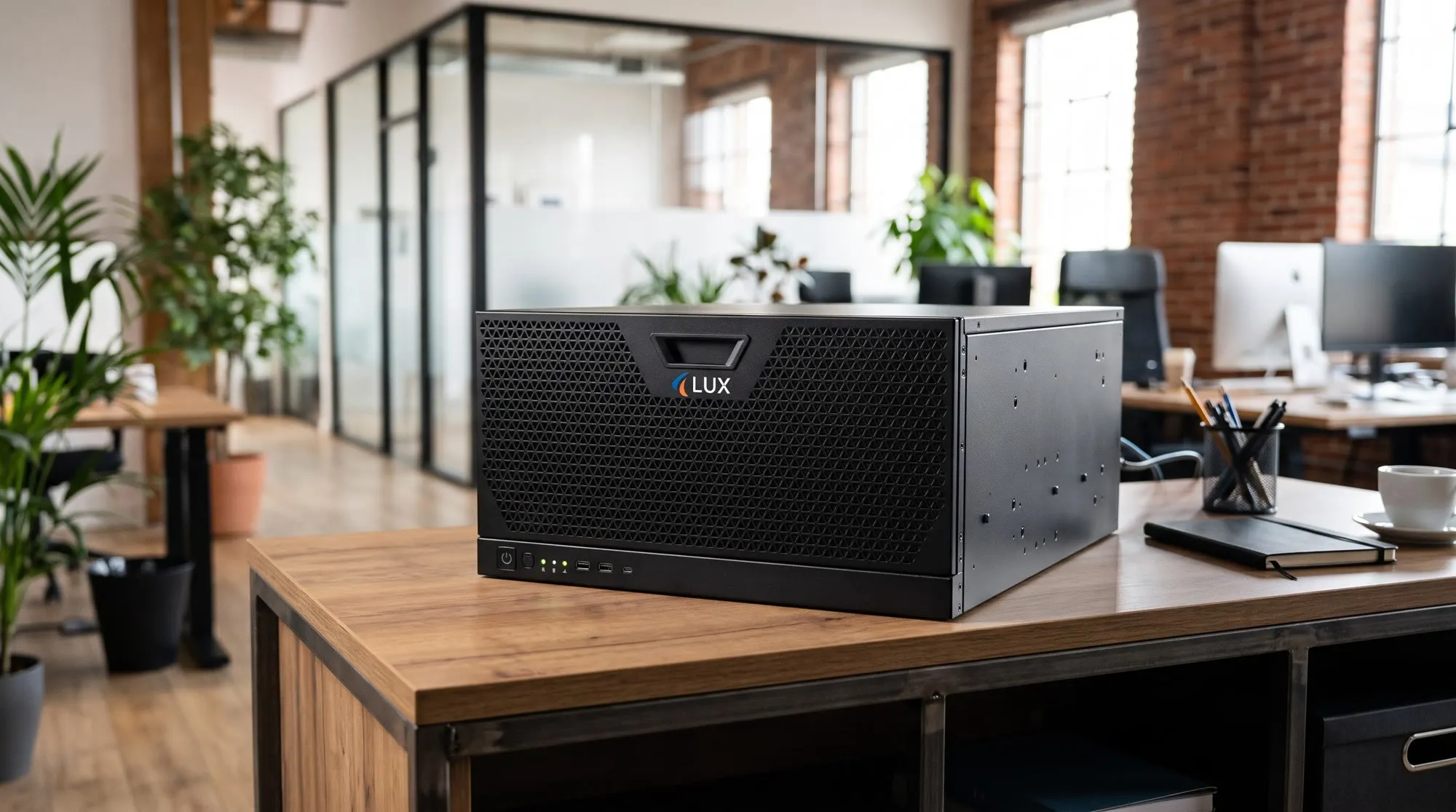
Server
At your office
A server at your office, in your own rack or simply at your desk.
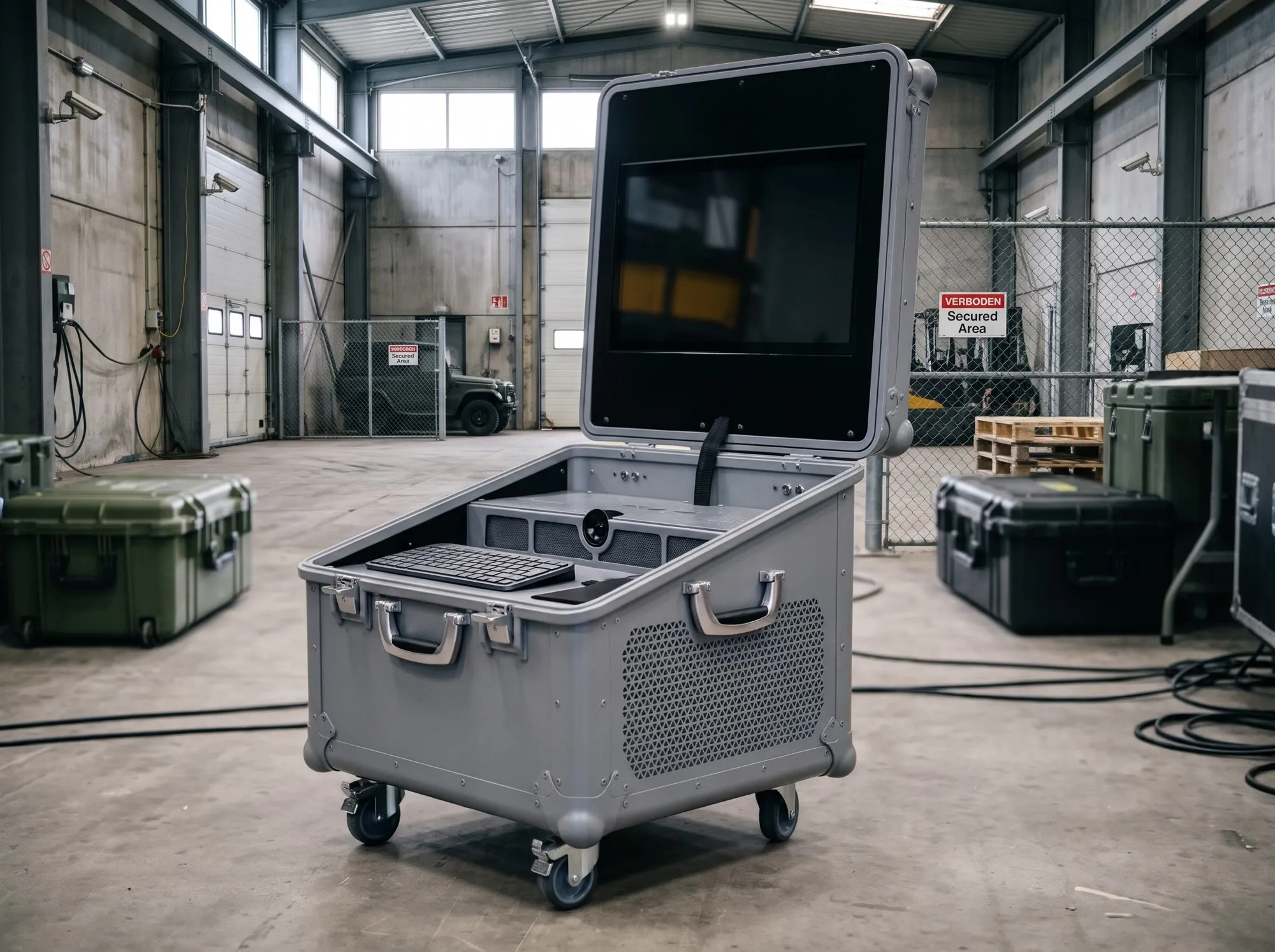
Unplugged
In the case, on site
LUX runs straight from its case. Set it down, plug it in and start working, even where there is no server room.

Remote
At our data centre
A LUX just for you, in our data centre. No server room needed; you work over a secure connection.
LUX at work
Set-up and data import
LUX reads your existing data and proposes the set-up. Once you approve, LUX moves it all across.
- Tables read
- 6
- Subjects
- 5
- Records moved
- 8,648
We secure business premises and events. Here is the export of our old planning system.planning-export.sql6 tables
Reading your data · tables
t_kltCustomers214t_cpContacts487t_objSites1,108t_misMissions3,962Column st_cd: 1, 2 and 3 mean Planned, En route and Completed.t_mwStaff146t_incIncidents2,731
Proposed set-up
- Customercontacts, sites
- Sitemissions, incidents
- Missionstatus, staff, mission plan
- Staff membermissions
- Incidentsite, mission
RolesPlanner · Security officer · Team leader
Applied
Moving your data8,648
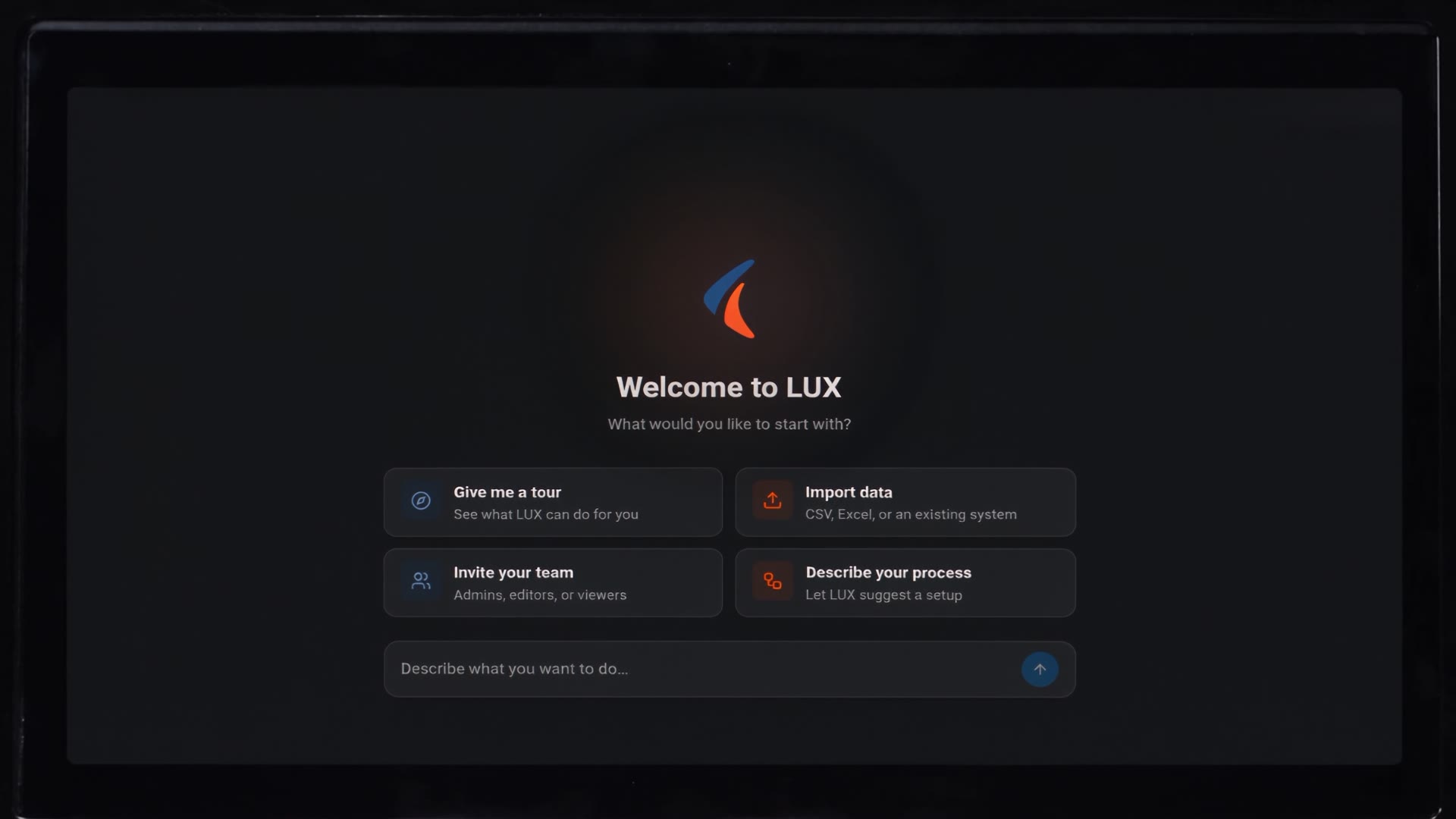
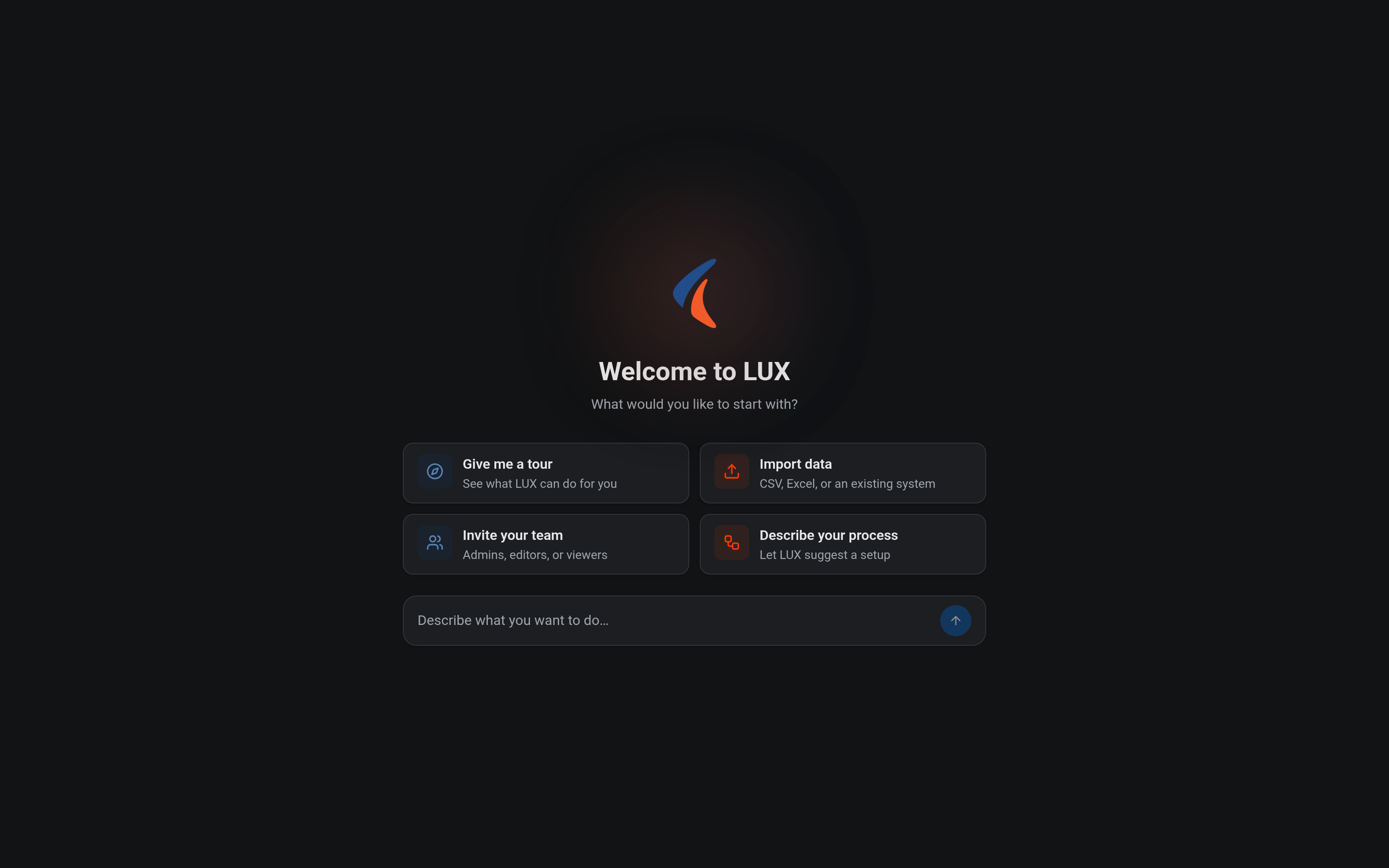
Describe your work or add your data…
- 1/4You describe your work and add the export of your old system.
- 2/4LUX reads the tables and understands what they hold.
- 3/4LUX proposes a set-up: subjects and roles.
- 4/4You approve the proposal. LUX sets itself up and moves your data.
Object recognition
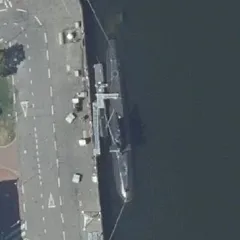
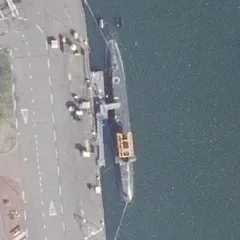
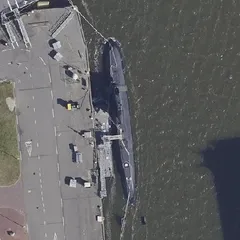
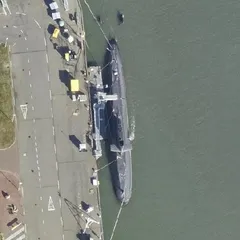
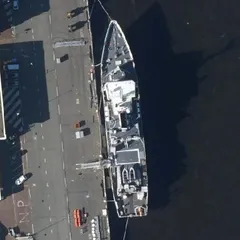
LUX learns to recognise submarines from eighteen examples. Then LUX finds them on a new photo.
- Motor boats
- 1
- Cars and trucks
- 45
- Ship, kind unknown
- 7
- Submarine newly learned
- 2
- Surface ship newly learned
- 1
Teach the model something new
Submarine 11
Surface ship 7













New version ready
Aerial photo: Beeldmateriaal.nl / PDOK, CC BY 4.0
- 1/5LUX scans the aerial photo and counts what it recognises.
- 2/5You zoom in on the quay.
- 3/5You give eighteen examples of two new kinds of ship.
- 4/5LUX learns from your examples.
- 5/5Now LUX recognises submarines too.
Searching documents
LUX searches ten documents and finds one contradiction. The passages are right there.
- Documents searched
- 10
- Read
- 2
- Contradiction found
- 1
Are our technicians allowed to use a shared account for remote maintenance on customer systems? What do our documents say about it?
Searching your documents
- Remote access work instruction2023-08
- Remote access work instruction2024-10
- Remote access work instruction2026-06
- Remote access work instruction2026-06
- Access management policy2021-05
- Access management policy2023-03
- Access management policy2024-11
- Access management policy2026-06
- Access management policy2026-06
- Access management procedure2024-04
Every user logs in with a personal account. Shared or group accounts are not permitted, not even for administration or remote maintenance.
Your documents contradict each other.
The policy forbids shared accounts 2, but the work instruction still uses the shared account acme-service 1.
Update the work instruction and flag this to the process owner (Sanne de Graaf).
Sources 2 documents read
1Remote access work instruction 2026-06
2Access management policy 2026-06
Ask a question about your dossiers and documents…
- 1/4You ask a question about your documents.
- 2/4LUX searches ten documents.
- 3/4Two of them matter. LUX reads them and marks the passages.
- 4/4You get an answer, with the sources.
Conversations
A briefing linked to your dossiers, with advice during the conversation. Three actions assigned, each with an owner and a date.
For mission briefings, training sessions, interviews and confidential conversations.
- Speakers
- 3
- Linked to your data
- 4
- Action points
- 3
- Actions assigned
- 3
LiveMission briefing · Drone surveillance De Hooge Akker04:25
- De Hooge Akker19 Nov – 2 Dec1Mission
- Drone D-03In repair2Asset
- Milou van de WalLicence valid3Person
- Area permissionNot in dossiers4Dossier
Sanne de Graaf 00:12
We start surveillance of De Hooge Akker1 on 19 November.
Milou van de Wal 01:05
I'll fly the D-032, same as last time.
LUX 01:06
Choose another drone: the D-03 is in repair until 4 December.
Sanne de Graaf 01:20
Good that you flag that. Milou, take the D-05 then.
Milou van de Wal 01:31
Fine. My licence3 covers the D-05 too.
Sanne de Graaf 02:40
Is the permission for the area4 sorted yet?
Milou van de Wal 02:48
I don't know.
LUX 02:49
Apply for the permission: it is not in the dossiers.
Ruben Kok 03:02
I'll apply for it today.
Sanne de Graaf 04:10
Then we plan the first flight for Tuesday.
LUX 04:11
Only plan the first flight once the permission is in.
Sanne de Graaf 04:25
Agreed. We plan the flight as soon as the permission is in.
Summary
- Starts on 19 November. Milou flies the D-05.
- The D-03 stays in repair until 4 December.
- The first flight waits for the permission.
The summary is saved in the mission dossier.
Actions
- Assign drone D-05 to the missionMW14 Nov
- Apply for permission for the areaRK12 Nov
- Plan the first flight once permission is inSG18 Nov
- 1/5The conversation runs. LUX transcribes it and recognises the speakers.
- 2/5LUX links what is said to your dossiers and gives advice straight away.
- 3/5The conversation goes on. The team uses the advice and adjusts the plan.
- 4/5Afterwards, you get a summary.
- 5/5LUX assigns the actions, each with an owner and a date.
Reasoned decisions
LUX advises go or no-go, and backs each criterion with your own dossiers.
- Criteria weighed
- 5
- Pieces of evidence
- 8
- Advice
- No-go
Make a reasoned decision: can the mission 'Drone surveillance De Hooge Akker during the burglary wave' go ahead? I want a go or no-go with evidence.
Decision mode · weighing the criteria
Drone surveillance De Hooge Akker during the burglary wave · 19 Nov – 2 Dec 2026
- Threat in the mission area4 / 5 · highThreat assessment De Hooge Akker: “Threat level high, source grading B2 … valid until 2027-01-24”
- Every asset available on the start datenoDrone D-03: “status: In repair … next service: 2026-12-04”
- Licences valid for the whole periodyesMilou van de Wal: “drone licence valid until 2027-12-21”
- Authorisation for drone operationsunknownNot recorded in the dossiers
- Permission for the areaunknownNot recorded in the dossiers
No-go
Drone D-03 is in repair, and the authorisation and the permission for the area are not confirmed. The full advice is saved as a note on the mission dossier.
Ask a question about your dossiers and documents…
- 1/3You ask for a decision: go or no-go.
- 2/3LUX weighs each criterion against your own dossiers.
- 3/3You get advice, backed point by point.
Process intelligence
LUX finds the rules in your own work, and alerts you when someone deviates.
- Missions replayed
- 55
- Follow a fixed pattern
- 50
- Alerts
- 5
Replaying the audit log · missions 55
A mission gets its mission plan before it is Planned.
Check: a “mission plan” document before the status Planned
followed in 50 of 55 missions
In use · version 1Alerts · version 1
- Additional alarm response Business park Parkmanagement Ravenveld9 Nov 2026 · reached “Planned” without a mission plan
- Cash-in-transit Nijkerk7 Nov 2026 · reached “Planned” without a mission plan
- Cash-in-transit Utrecht12 Oct 2026 · reached “Planned” without a mission plan
- Christmas market Zwolle8 Oct 2026 · reached “Planned” without a mission plan
- Temporary site Distribution centre van de Brink Warehousing, Ampèrestraat13 Aug 2026 · reached “Planned” without a mission plan
- 1/4LUX reviews 55 missions in the audit log.
- 2/4It spots a fixed pattern and turns it into a rule.
- 3/4You switch the rule on.
- 4/4LUX alerts you when someone deviates.
How to get LUX
- 01
Get acquainted
We discuss your goals and what it takes to reach them.
- 02
We set up LUX
You decide where LUX sits: on site or at our data centre.
- 03
You get started
Start working and evolve your model. We provide full-service support.
Your team works with AI. Your data stays yours.
Tell us what you want to achieve, and we will show you how LUX gets you there.
Thank you, your message has been sent. We will be in touch shortly.
Sending failed. Please try again or email us directly.
The form was submitted too quickly. Please try again.
Please check the fields and try again.
Too many messages in a short time. Please try again later.